Loading...
MonoReader
Lightweight Markdown Reader for Windows · Tauri + Rust
Tauri v2 / Rust / Svelte 5 / TypeScript / markdown-it / highlight.js
About
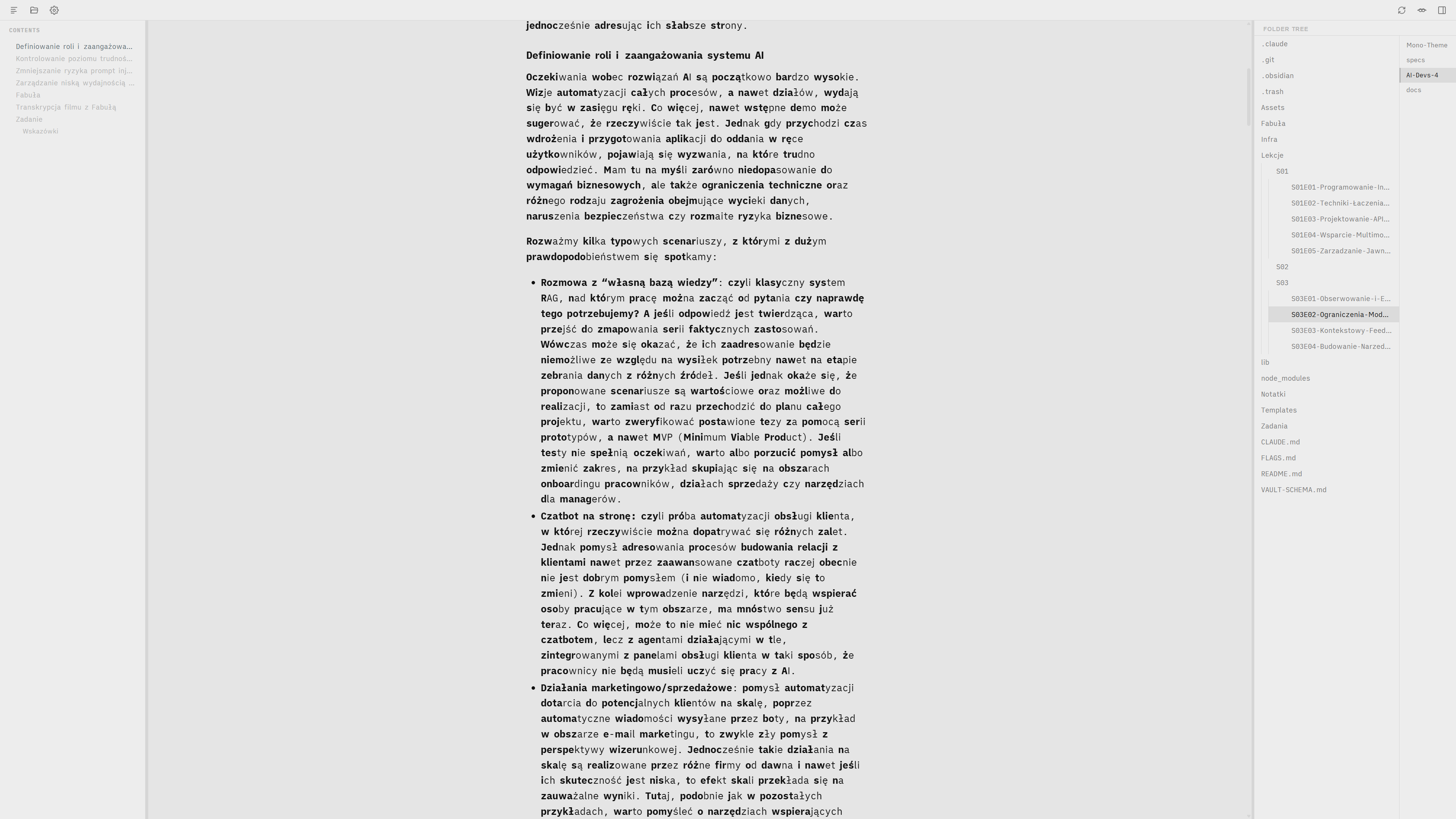
A markdown reader for Windows that stays out of your way. Open a folder, read files, jump between projects, all in 4 MB instead of VS Code's 300.
Why
I got tired of booting VS Code or spinning up an Obsidian vault every time I wanted to read a .md file. The dedicated readers I tried were too thin to navigate a real repo.
Goal
Open a markdown file and start reading in two seconds, no IDE required.
What It Does
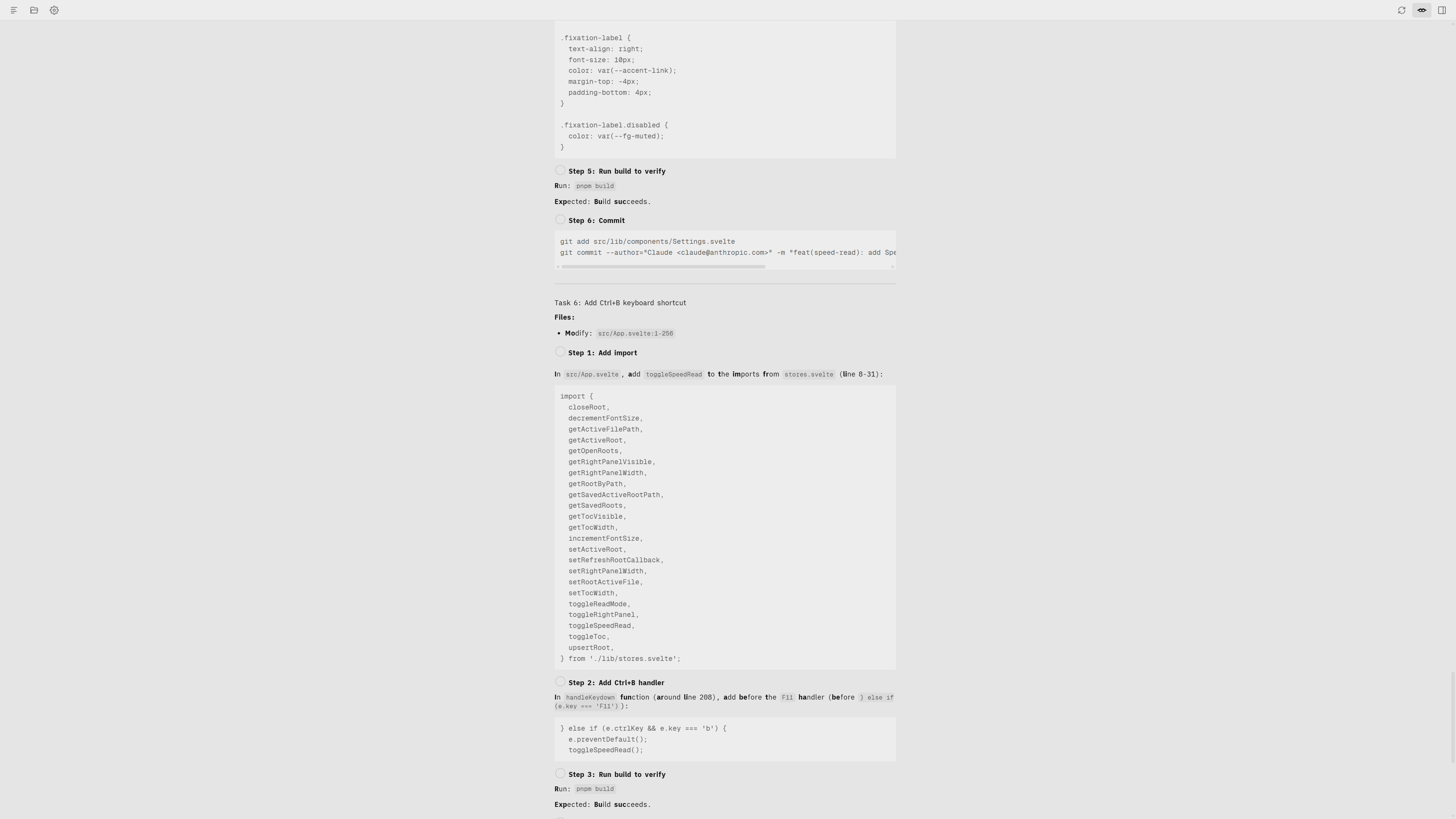
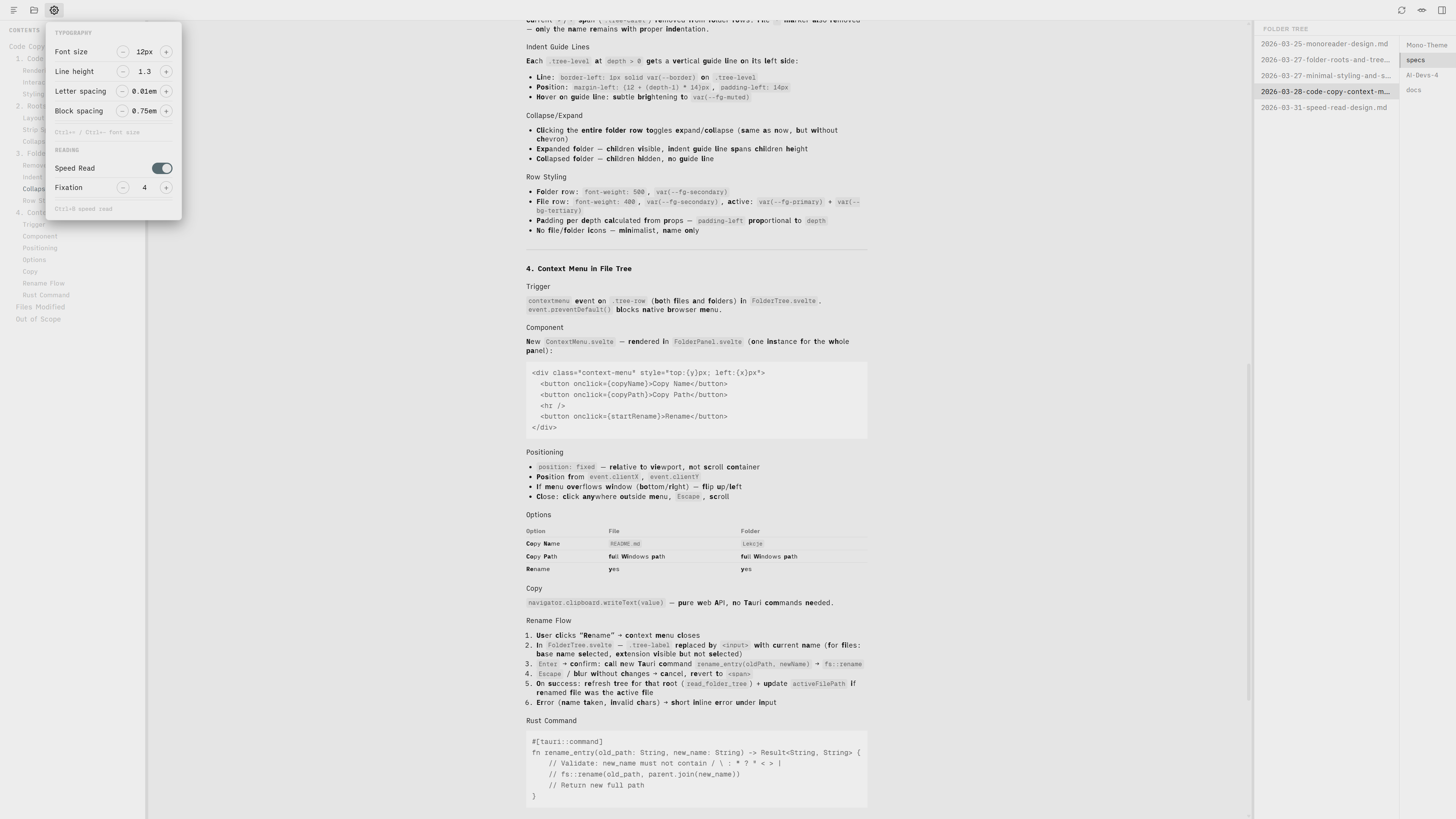
You stop launching VS Code just to skim a spec. Open the folder, click through the file tree, and the speed-read mode bolds the first syllables so you scan twice as fast.