Proposition Studio
AI visualisation app for architects · live, open sign-up
React Router v7 / TypeScript / Tailwind CSS / Cloudflare Workers / Postgres
About
Proposition Studio is a browser app for architectural visualisation that I designed, built with AI agents and run as a live product. You upload a view from a 3D model, a sketch or a photo and get an image that looks like a photo, in the same framing, then work on variants inside one project.
Why
I am an architect, and I made my visualisations in a chat window until I lost track of which version was the good one. My first answer was a plugin for Rhino, then a Mac app. The browser app followed, so the tool no longer depends on one 3D program. The full story is in Why I built Proposition Studio.
Goal
Hide the image models behind controls an architect already thinks in: a locked camera, a selected area, a reference, a version history.
What It Does
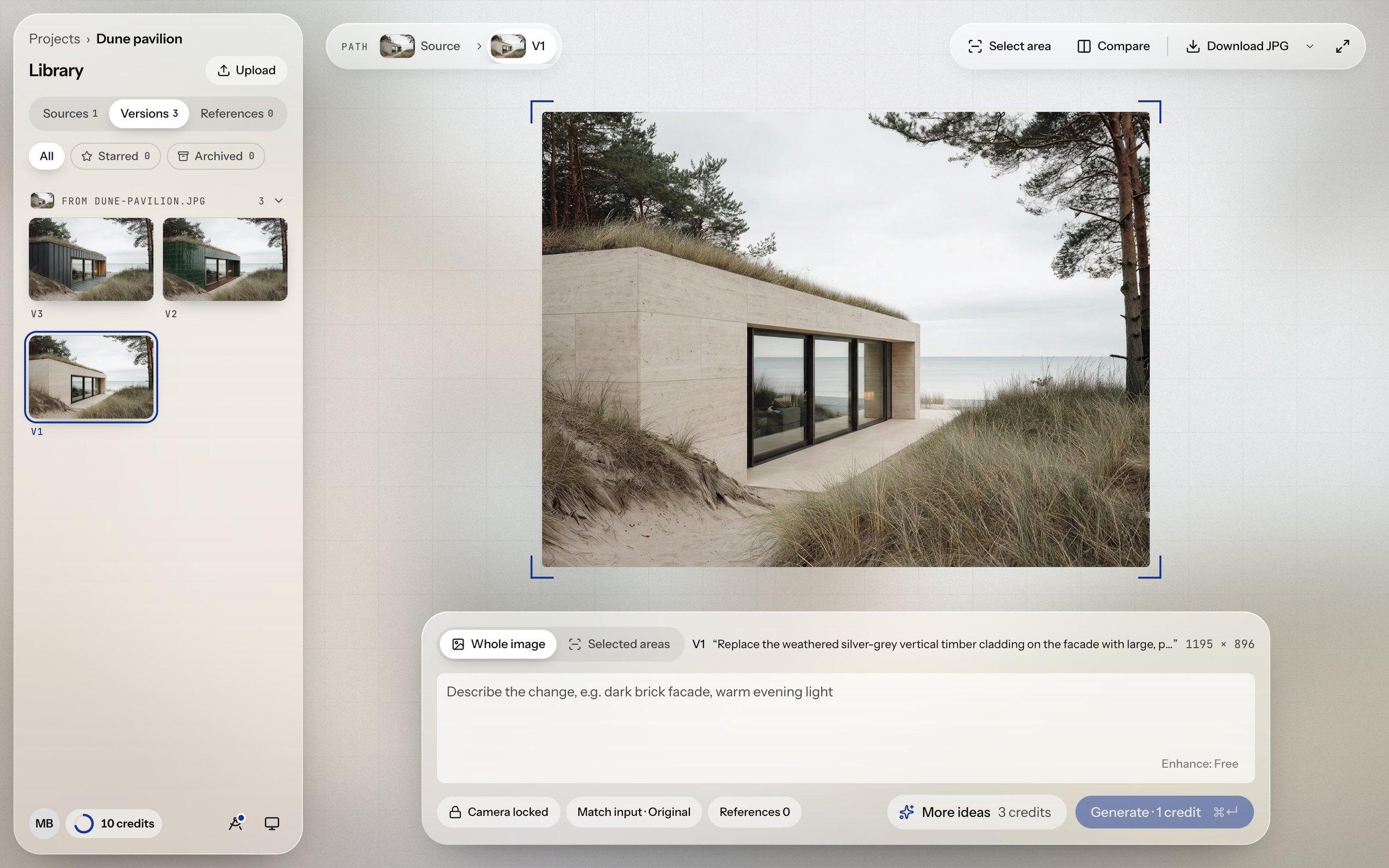
Camera lock keeps the angle, framing and massing, so variants differ only in what you changed. You select an area by clicking an object or painting over it, attach a reference to it, and compare any version with its source. One click on More ideas returns three named directions from the same camera. It works from a screenshot of any 3D program, with no plugin.
From a problem in my own work to a product
The problem
Visualisation is work on variants: lighter brick, a dusk version, a tree that hides the entrance. One-shot generators give a single frame, node tools ask for a pipeline, and in a chat window the versions get lost.
Who it is for
Architects and interior designers who show variants to a client, and homeowners planning a renovation. The job is the same: agree on a direction before the final render or construction.
What I sell
Credits, with no subscription. Five free generations a day let anyone try it without a card. Current packs are on propositionstudio.com.
Where it stands
It began as a Rhino plugin in 2025 and moved to the browser in 2026. Version 1.0 came out on 6 October 2026; this page shows version 1.5.9 from 19 November. Sign-up is open, and the app works in English and Polish.
- It does not read the 3D model. It works on an image, so it knows as much as the screenshot shows.
- It gives no guarantees. Camera lock and selections limit what the model can change, but now and then it adds a detail.
- It does not replace a render for documentation. It is for a conversation about direction, with a client or within the team.
Working pieces of the interface
I rebuilt the first three pieces from the app as of version 1.5.9. They replay one recorded run: no model is called and no credits are spent.
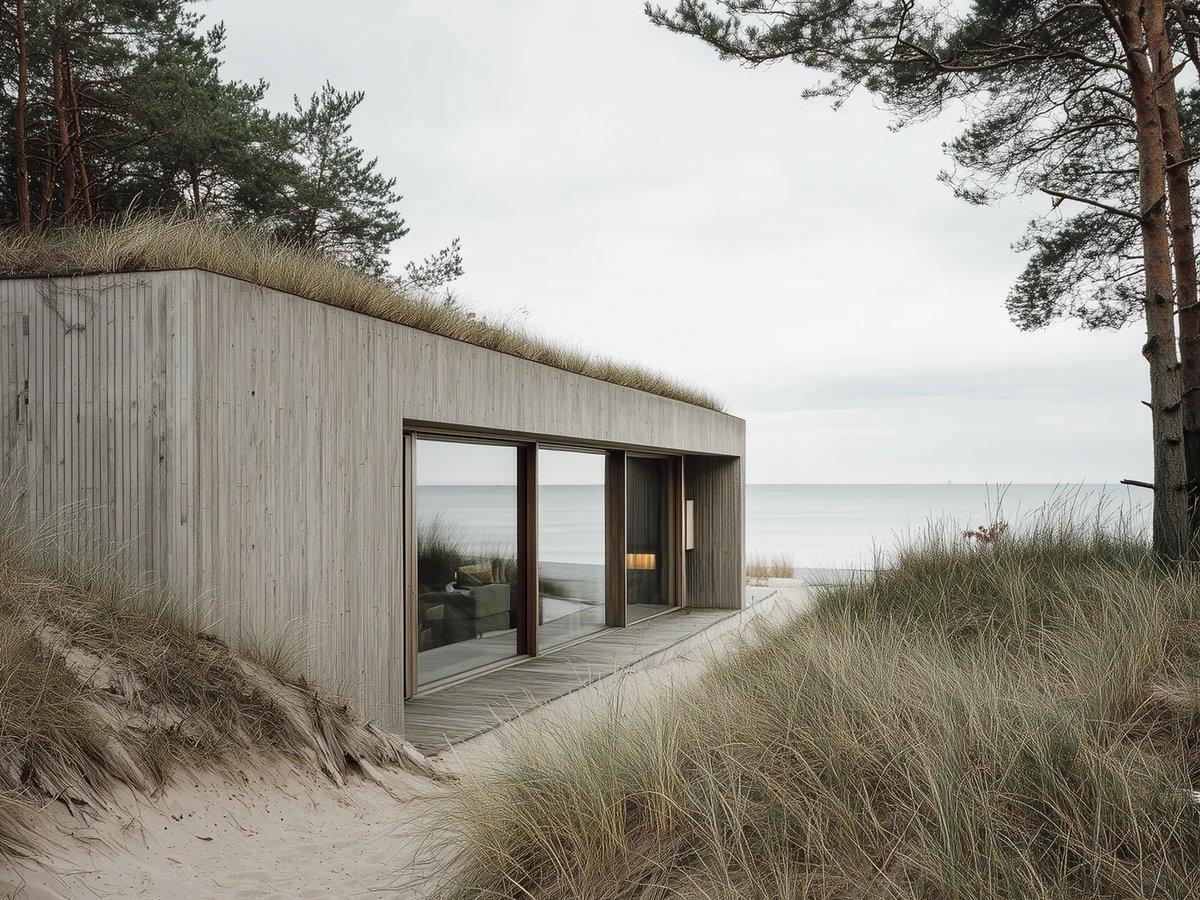
One click returns three named directions from the same camera. Names and colours arrive before any image, so the wait already says something. Timings are shortened here.
#d2c3b1oil-rubbed bronze#5a4d41pale beige concrete#e2d9cd#373b3enatural oak timber#b58e5fcharcoal grey metal#2a2c2e#1b3b2brefined bronze#5e4e3cdark hardwood decking#4e3629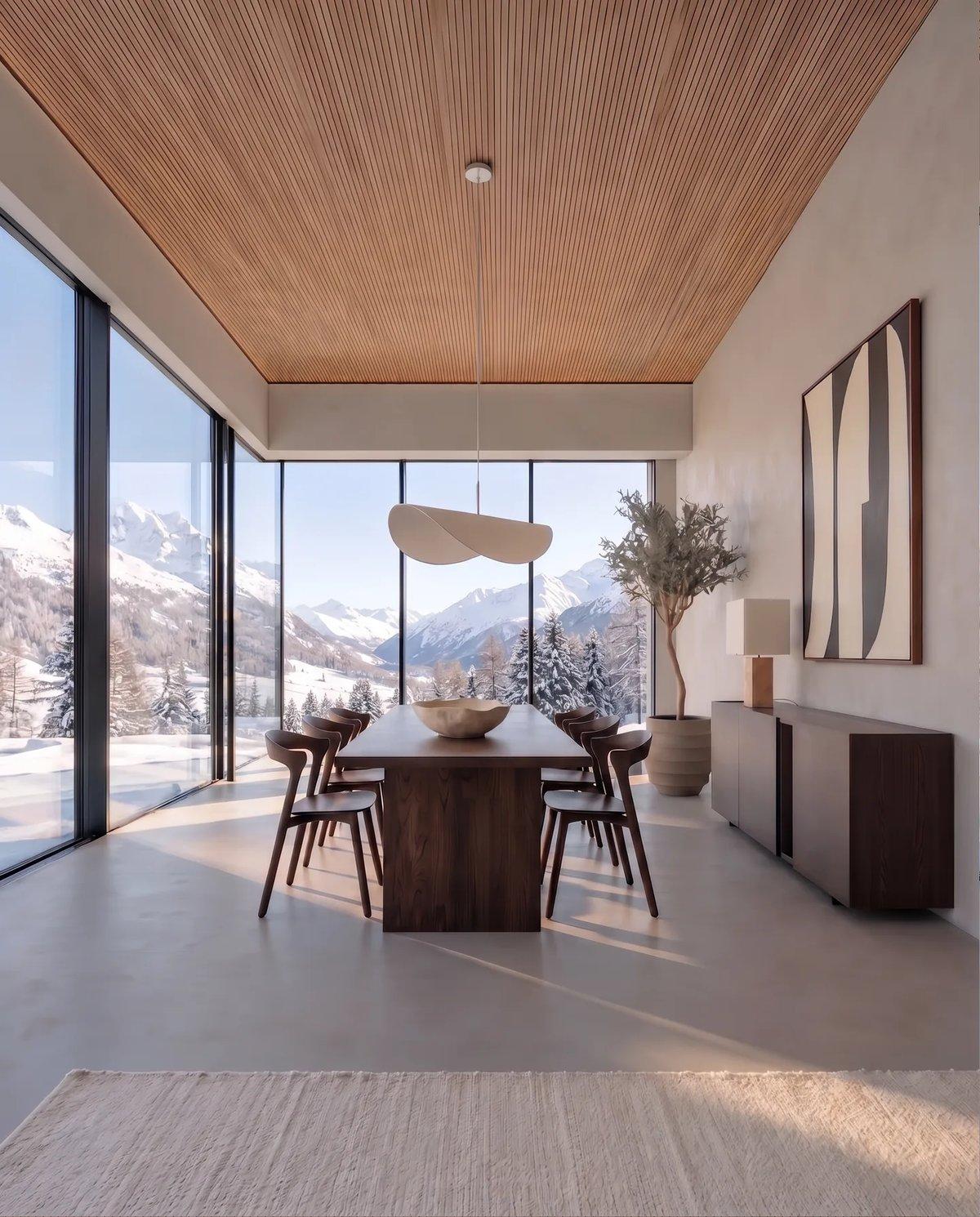
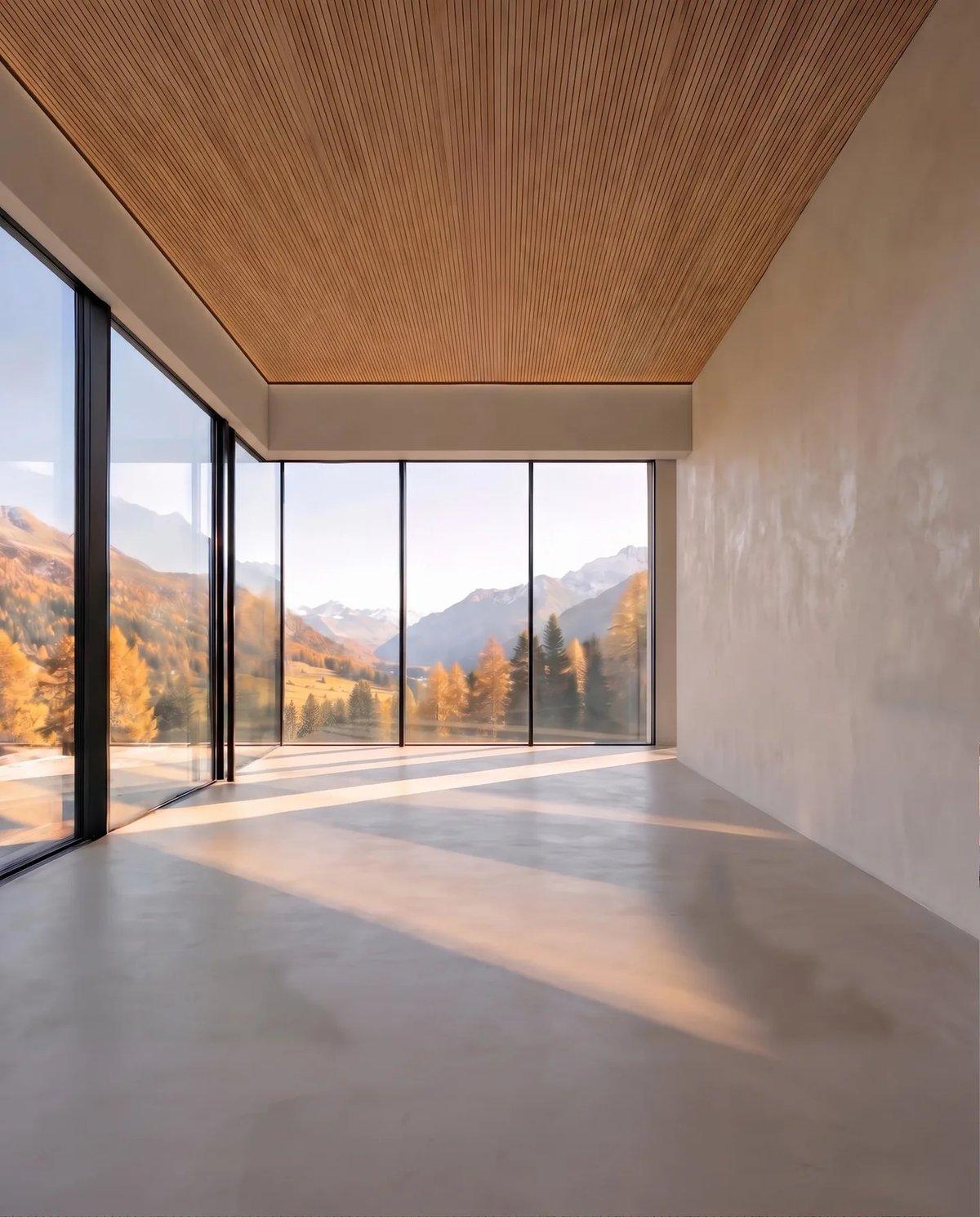
The whole frame is the slider, so there is no handle to aim at. The image comes from a second project: a dining hall, first empty, then furnished, in a winter setting.
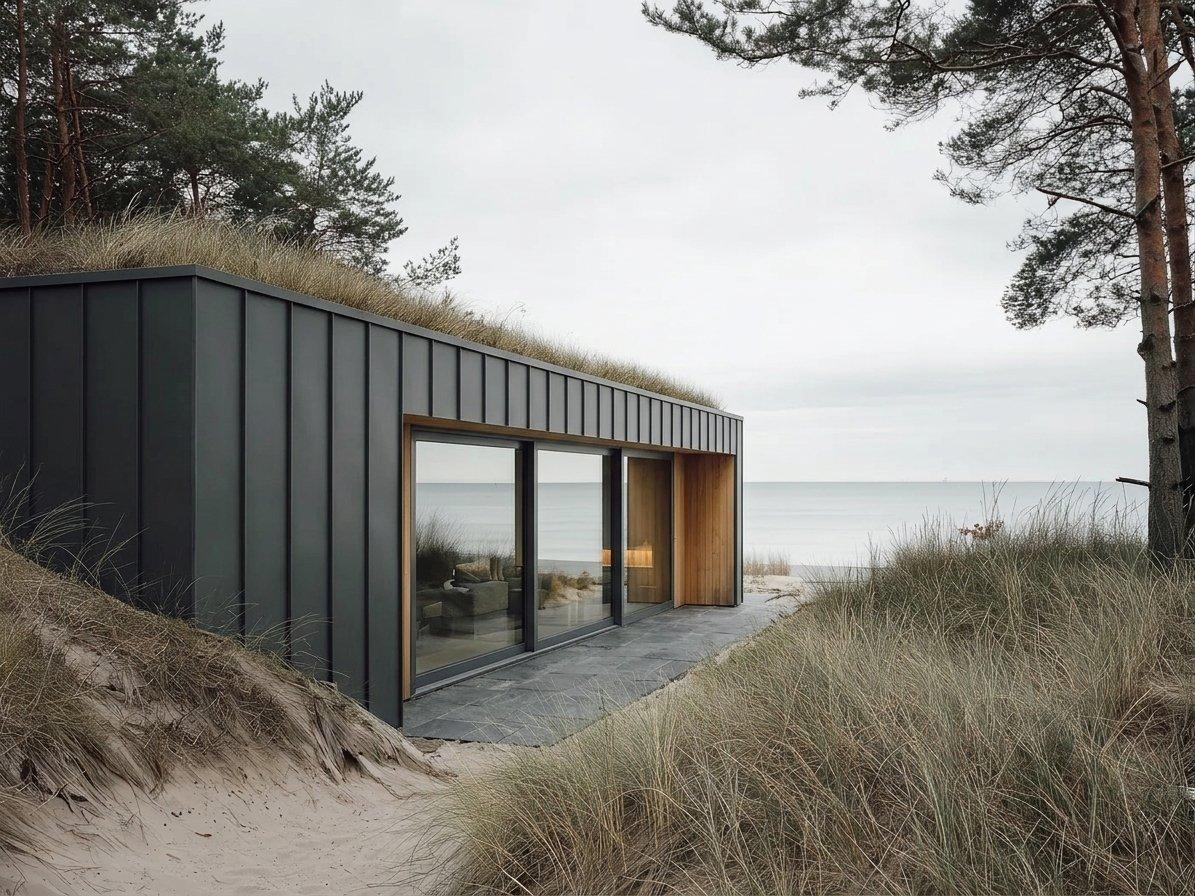
A free account's day. The meter counts up, so it reads as progress and not as a loss.
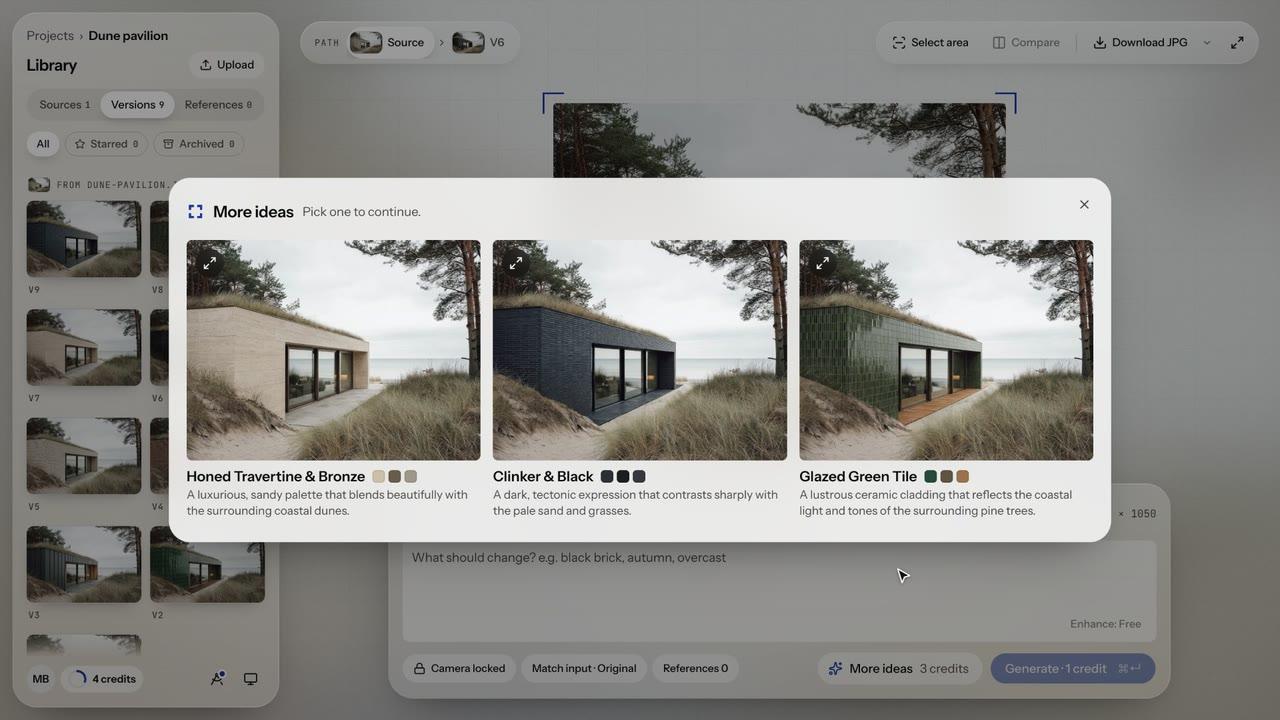
More ideas on the pavilion, a pick, then Compare with the source, recorded in the real app. The two server waits are shortened.
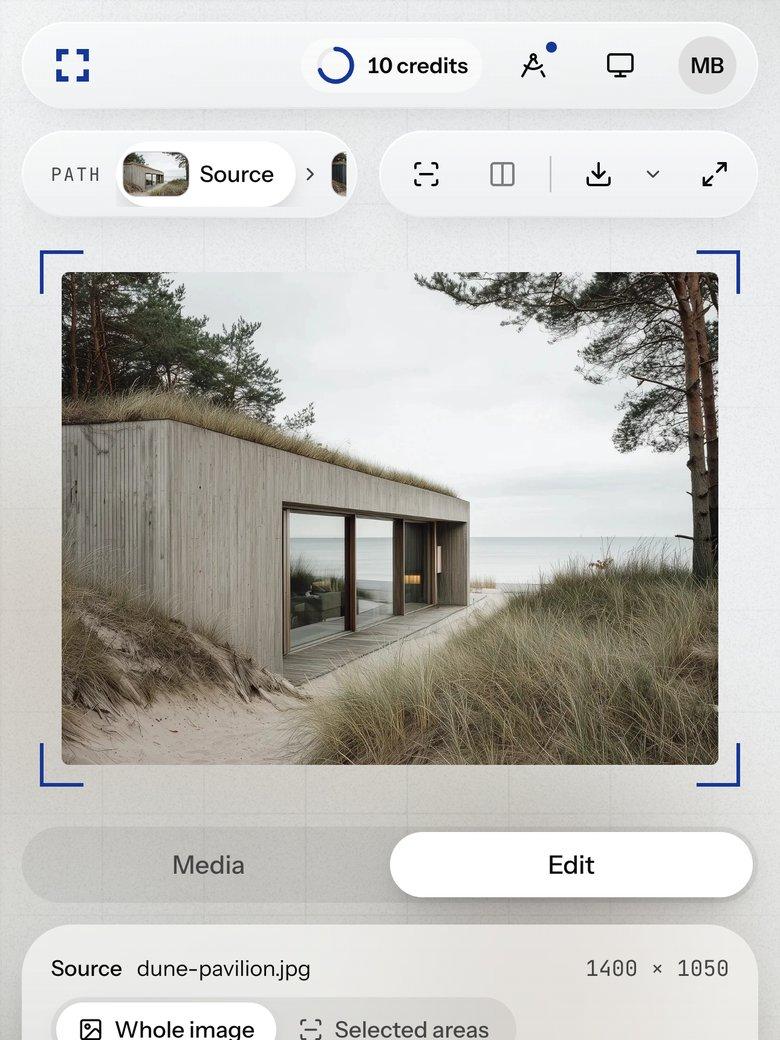
The same app at 390 px: canvas first, Media and Edit as two tabs.
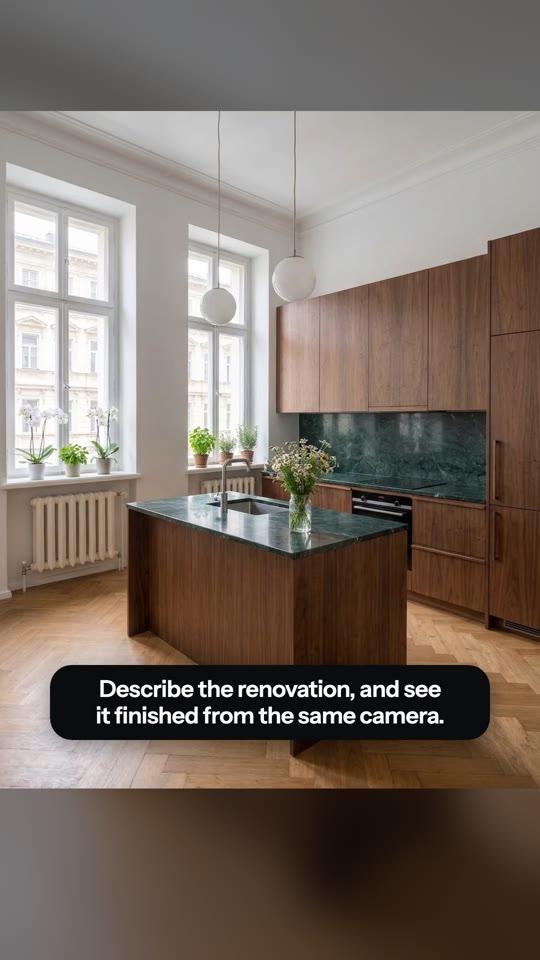
A published reel, cut from screen recordings of the app: a renovation from one photo of the room.
The same product from three other sides
- Productpropositionstudio.comTry it: five free generations a day, no card needed.
- CodeCode mapThe repository drawn as a floor plan, sized and coloured by layer.
- ArticleWhy I built Proposition StudioChat is the wrong place for a visualisation: the assumptions, the examples, and what the tool does not do.